



Product Dimension
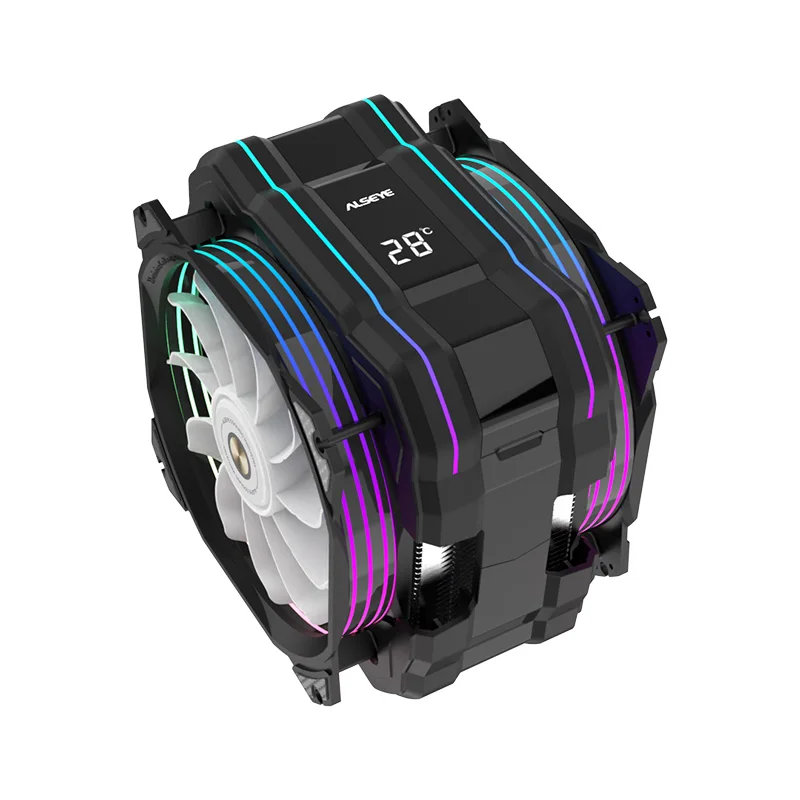
Product Dimensions: 145x105x160mm
Packing Size: 182x168x255mm
CPU Surface Temperature Display: Yes
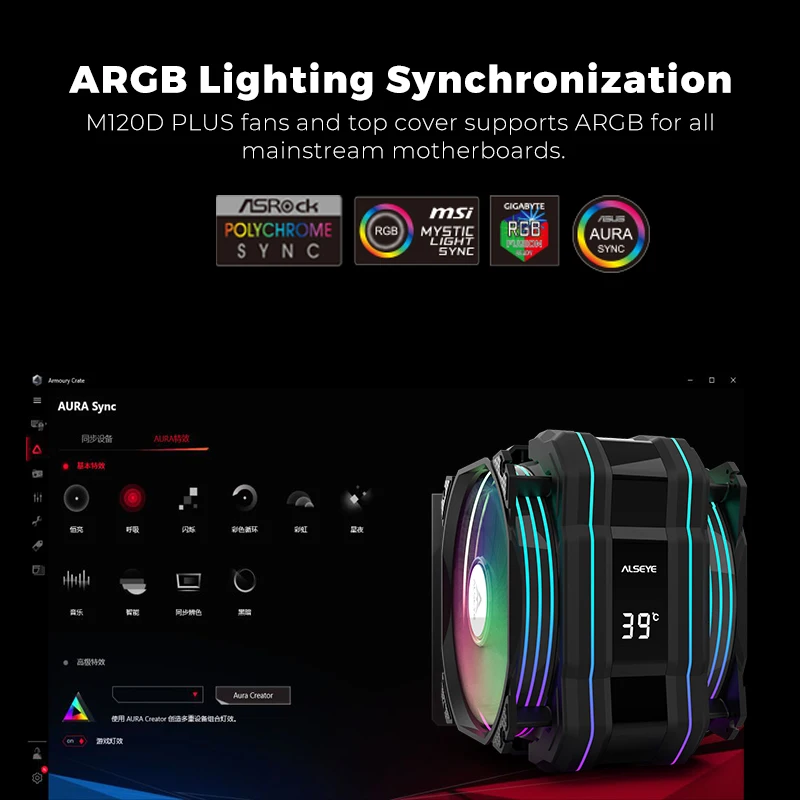
Lighting Effect: AURA SYNC ARGB
Fan Dimension
Dimensions: 120x120x25mm
Voltage: DC 12V
Current: 300mAh±10%
Fan Speed(Front): 700-1900R.P.M.±10%
Fan Speed(Back): 700-1700R.P.M.±10%
Max. Air Flow: 73.76CFM±10%
Max. Static Pressure: 2.01mm/H2O±10%
Noise Level: 41.2dB(A) ±10%
Bearing Type: Hydraulic
TDP: 255W
Cooling Type: Air cooler
Other names: CPU Fan, CPU heatsink, processor fan, PC Cooler, PC heatsink, etc.
Use: CPU enhance cooling(such as gaming and design).
Support Sockets
Intel LGA 775/1150/1151/1155/1156/1366/2011/1200
AMD: AM4/AM5
(For AMD have to keep the original mount on your motherboard and just buckle the cooler on will be fine)
Notice ! ! ! ! !
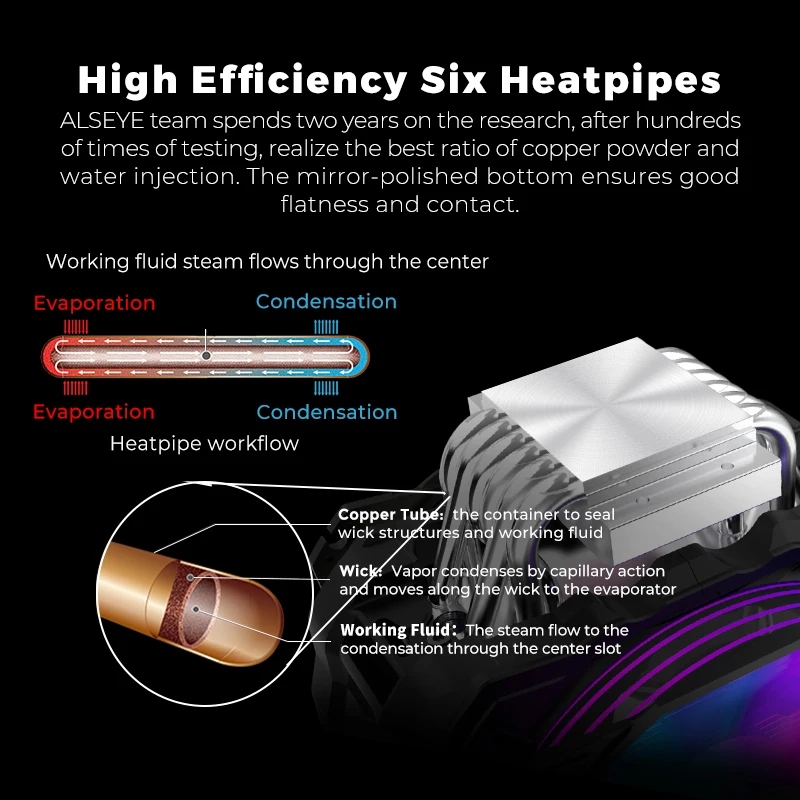
The alumiun fins and copper pipe are soft metal, and we will pack the package very well to prevent damage in transit. But, because of the international shipping has too many uncontrollable factors, sometimes there will be the sligthly damage. It is easy to fix and will not impact on use, if you mind, please be cautious to pay. If the product badly damaged, please contact me at first. Thank you very much for understanding.

1. Accurate CPU Temperature Display
After two years of scientific research breakthroughs, through our self-developed software “BEM”, the M120D Plus CPU cooler can accurately display the CPU temperature in real-time. Powerful CPU fans and special industrial design provide M120D Plus ultra-high heat dissipation performance.
2. Please note that if the CPU cooler continues to display 24 degrees Celsius, please check whether the USB cable of the CPU cooler is properly connected to the motherboard or whether the “BEM” software is running.
3.The “BEM” software
Please follow the instruction to download and install the software “BEM” from our Brand website after installation of the cooler. Please set the “BEM” software to start automatically after the installation. Software can be hided in the background. In this way, the CPU temperature can be displayed on the cooler when the PC is turned on.


Real customer reviews